
Writing · Ep. 2 · 0x01C6–0x035C · Deep learning
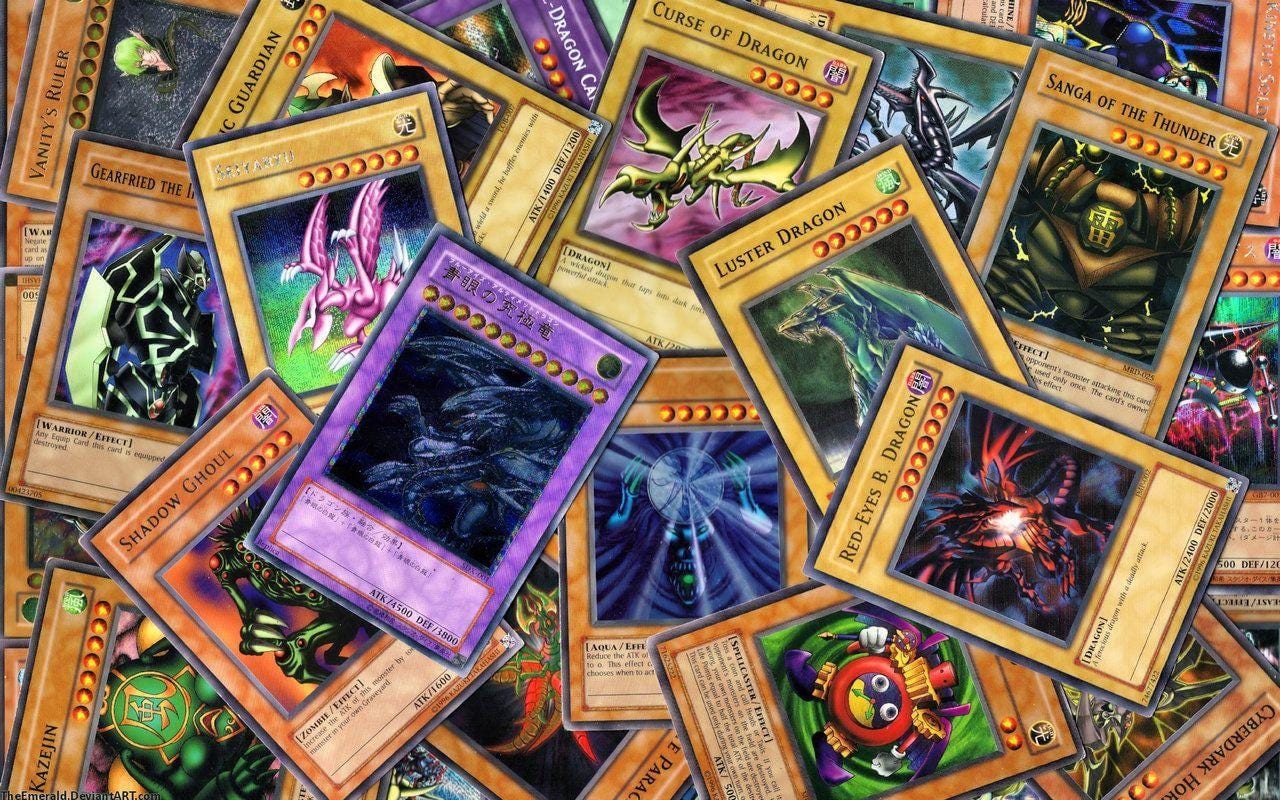
Generate Yu-Gi-Oh! card images using Generative Adversarial Network
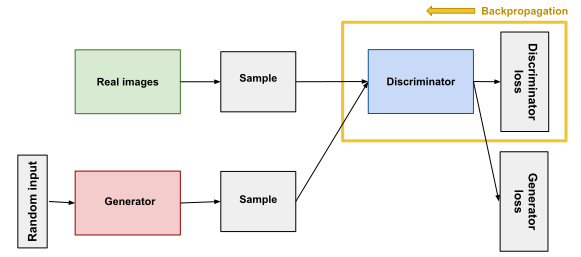
Generative Adversarial Networks are a deep learning architecture for generating new samples that could have come from an existing distributions of existing samples. GAN are comprised of both generator and discriminator models. The generator is responsible for generating new samples from the latent space, and the discriminator is responsible for classifying whether samples are real or fake.
Step 1: Gathering datasets
First, I had to gather the Yu-Gi-Oh! card image datasets from Yu-Gi-Oh! API:
https://db.ygoprodeck.com/api-guide/
The API was used to download all Yugioh cards (10.000+ cards). After that I extract the center of the image, normalize it from [0, 255] to [-1, 1], and resize it to (32, 32, 3).
Step 2: Build generator and discriminator model
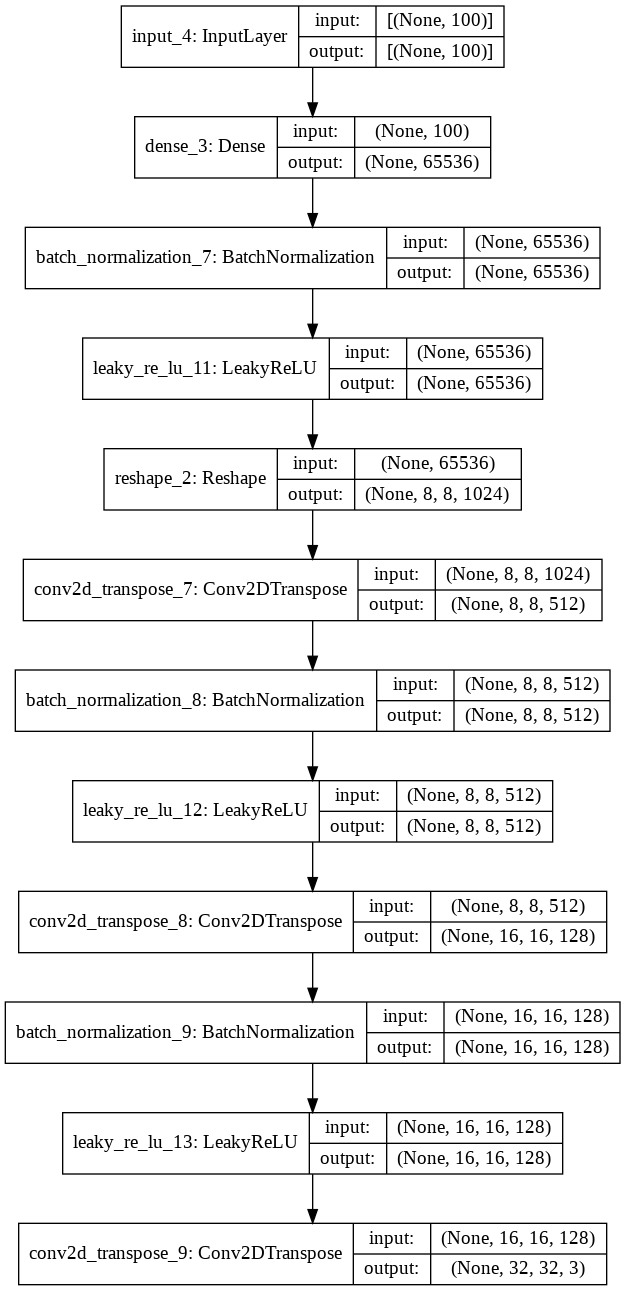
The generator model taking a point from the latent space as input and outputting a color image. The model has a normal dense layer followed by three convolutional transpose layers using a stride of 2 × 2 to upsample the image. The model has a single node in the output layer with the tanh activation function to generate a color image.
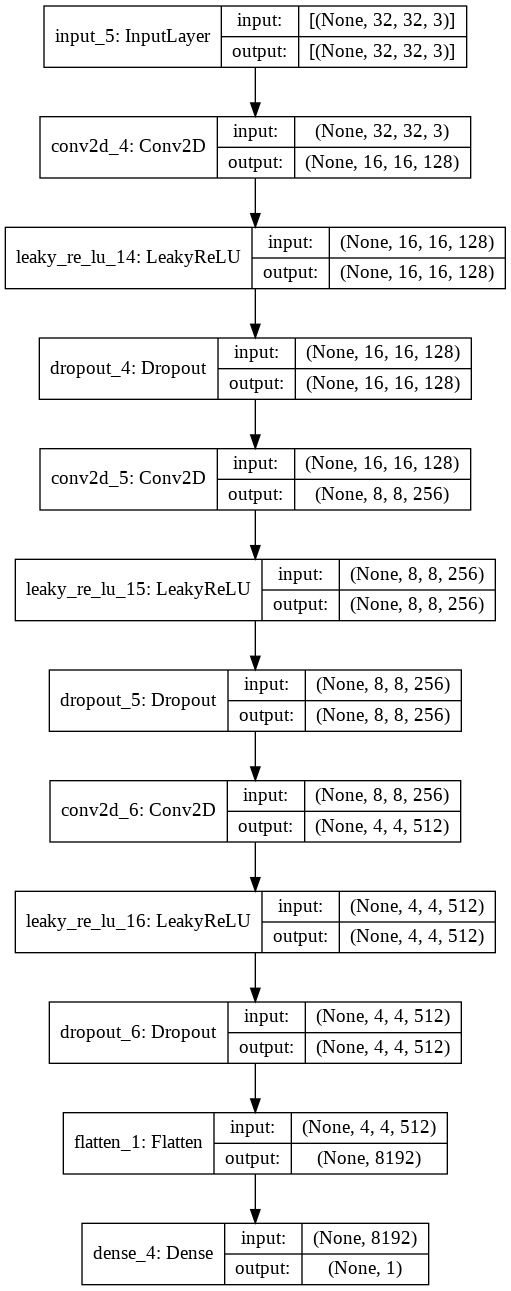
The discriminator model taking an image from the generator and outputting a prediction whether the input sample is real or fake. The model has a normal convolutional layer followed by three convolutional layers using a stride of 2 × 2 to downsample the image. The model has no pooling layers and a single node in the output layer with the sigmoid activation function.
Step 3: Train the model
The weights in the generator model are updated based on the performance of the discriminator model. When the discriminator is good at detecting fake samples, the generator is updated more, and when the discriminator model is relatively poor when detecting fake samples, the generator model is updated less. In this example, I use Binary Cross Entropy as the loss function for both models.
Model Performance
I train the model for 200 epochs and only used 2500 images just for experiments.
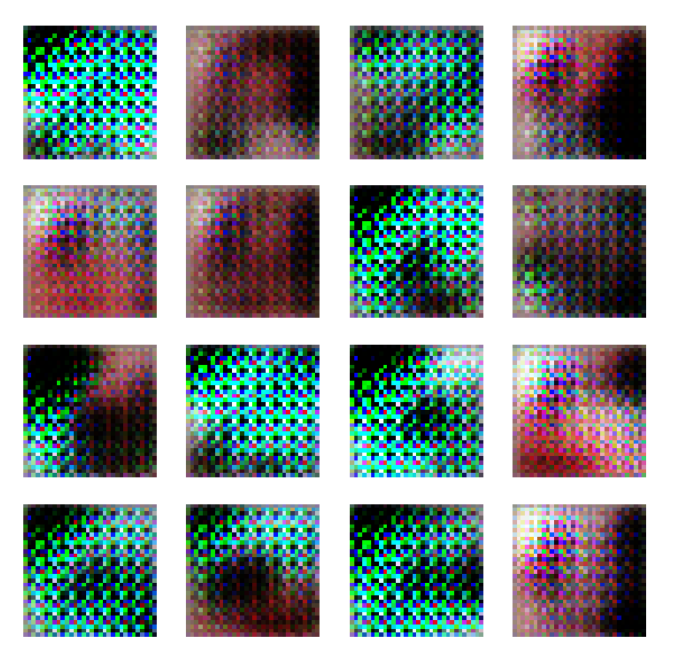
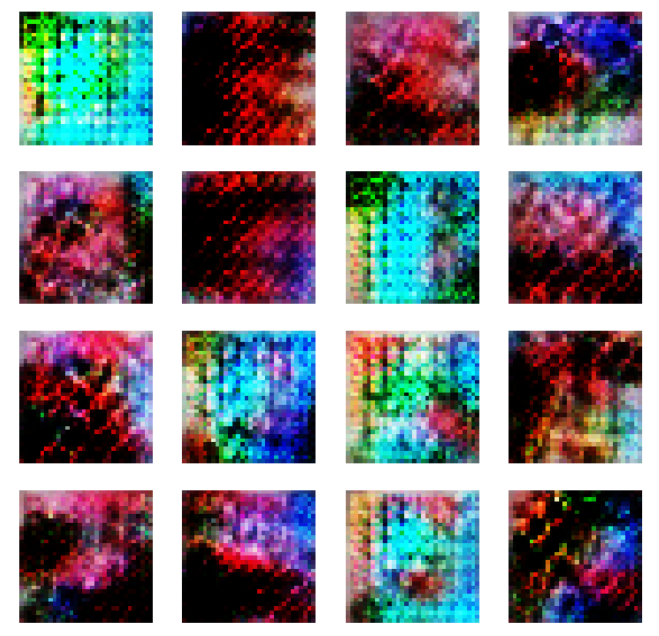
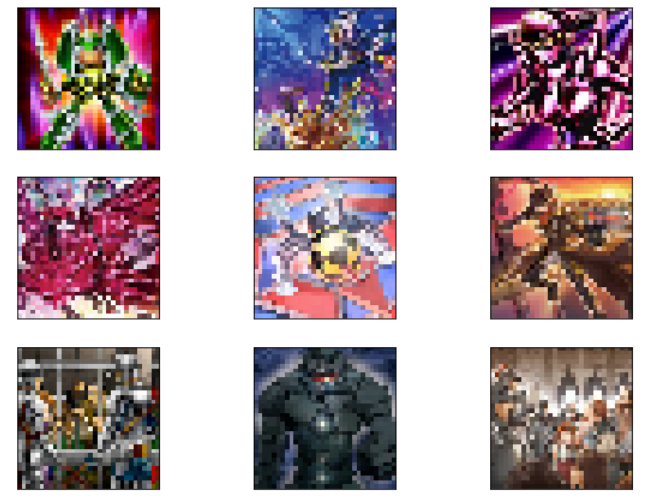
Some cool generated images:
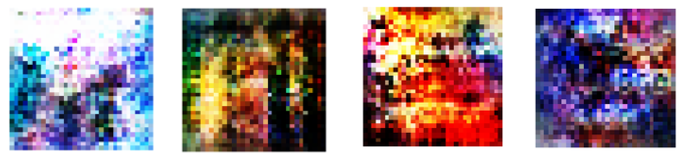
To improve the quality of the model
Use Wassertain Loss to improves the stability when training the model
Use bigger size of the image (e.g. 64x64 or 128x128) for better quality
Separate the spell and monster cards
Train with more epochs (e.g. 1000)
Become more selective when choose the datasets because Yu-Gi-Oh cards have many different art style. Just select 1 archetype (e.g. dragon, warrior)
Code examples can be seen at this google colab link:
https://colab.research.google.com/drive/172PxMbKWjOxJX6Wph0_95pKlgSbfYWJU?usp=sharing